![BergerLogonew.png]](https://knowledgecenter.theoppdesk.com/hs-fs/hubfs/Logos/BergerLogonew.png?height=40&name=BergerLogonew.png)
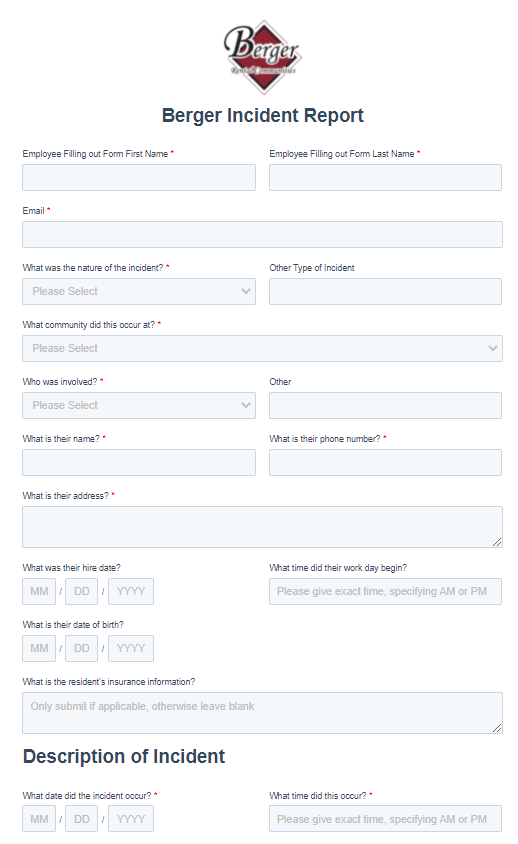
In the event of an incident occurring at your site, you are responsible for submitting a Berger Incident Report through OppDesk.
Submit the Incident Report:
In OppDesk select the Region you are submitting the report form.
Fill in all required fields. After clicking Submit the form will be forwarded to the appropriate contacts.